
My Jailbroken Kindle
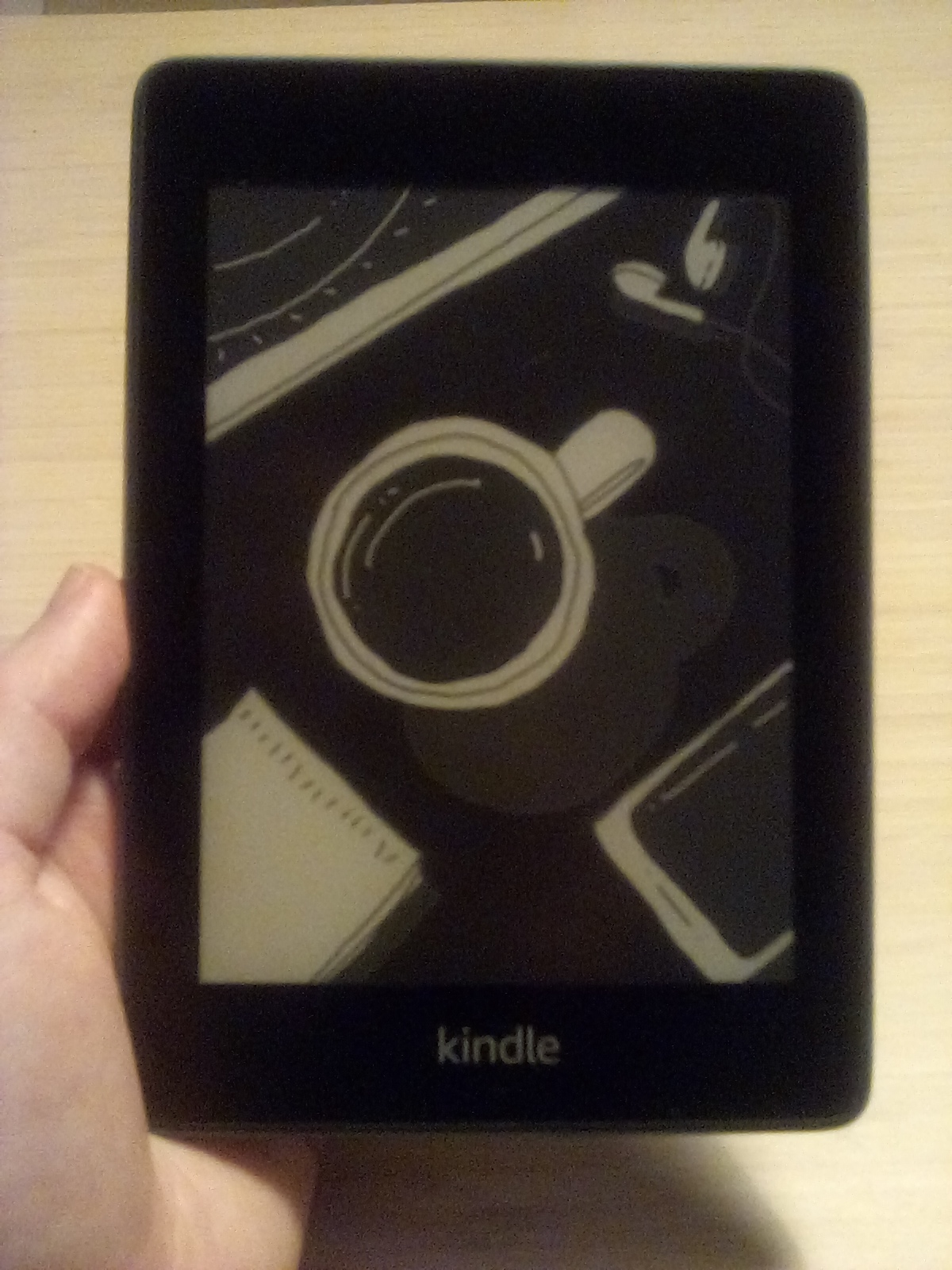
I jailbroke my Kindle inspired by Damnit Jeff’s video using Winterbreak (at the time the latest jailbreak). It wasn’t very difficult. If you have an old kindle lying around like I did (mine was like ten years old), then I implore you to jailbreak yours as well. My kindle used to be something that sat in my closet for years collecting dust. Jailbreaking it has breathed new life into it. With my new digital setup of no longer having a smartphone and after turning my computer into an actual dumb computer, my jailbroken kindle is something I actually use now! It brings me a lot of joy.
There are many excited things you can do with a jailbroken kindle. Here are some of the things I’ve enjoyed about my new (old) kindle.
KOreader, RSS, and custom screensavers.
By far the best improvement to the kindle is the KOreader. It allows you to easily access all of your files and read any PDFs or EPUBs that you transfer to your Kindle via usb connection from your computer. It also gives you access to a high level of customization when it comes to how you actually read your books! It’s great for being able to read PDFs that wouldn’t otherwise fit nicely on a smaller screen, and I have seen guides for using it to read comic books that would otherwise be difficult to read on a kindle.
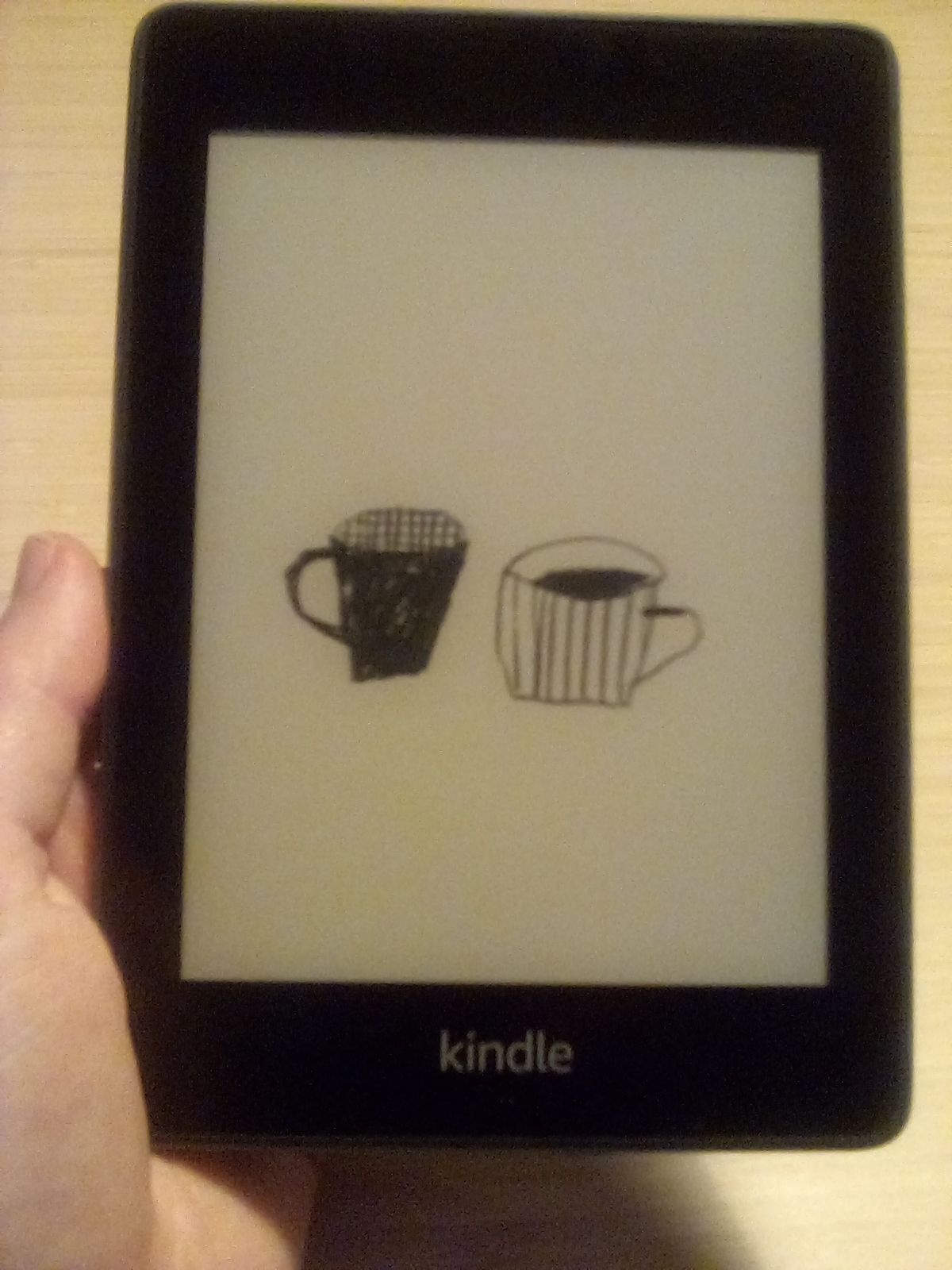
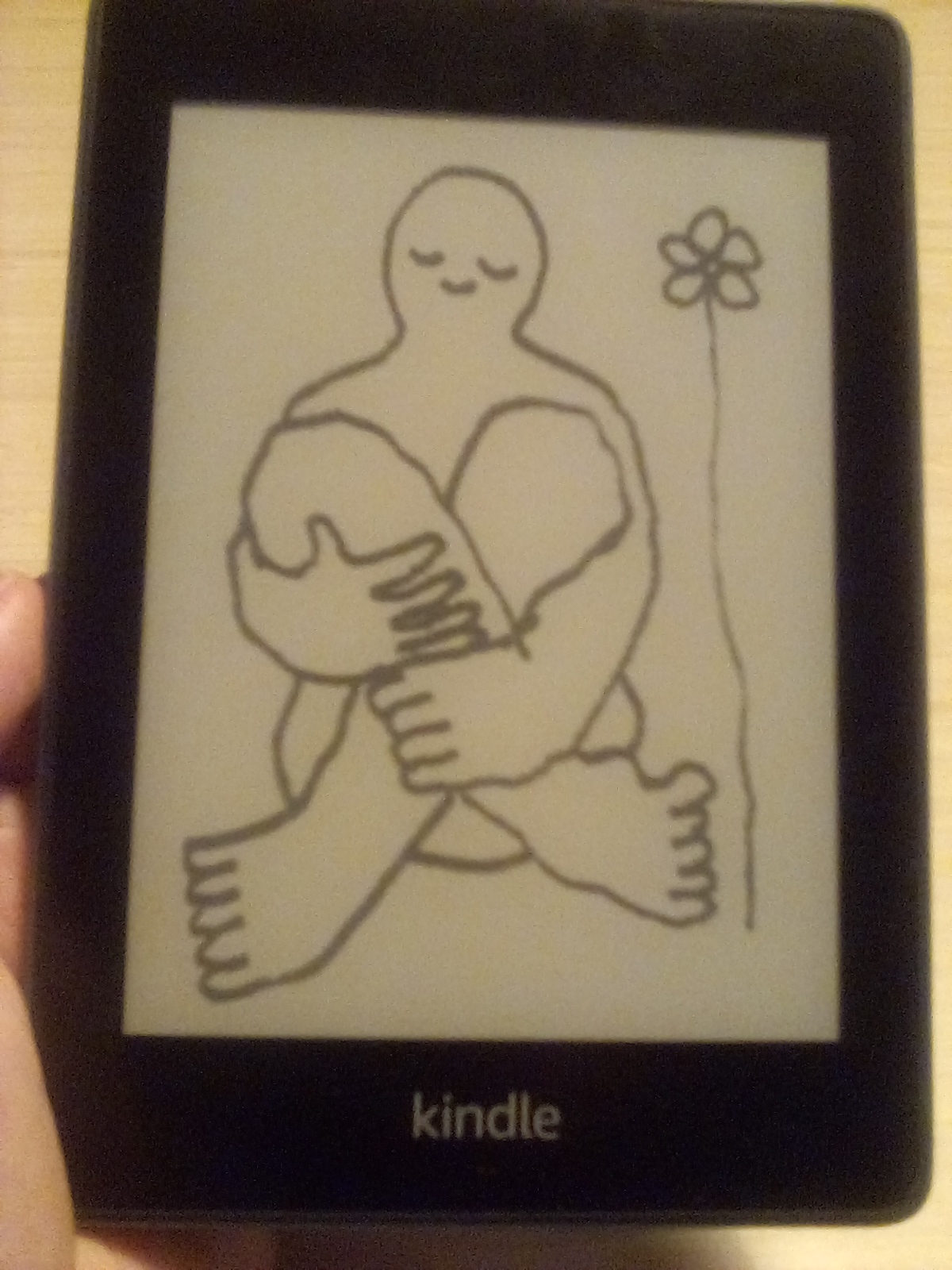
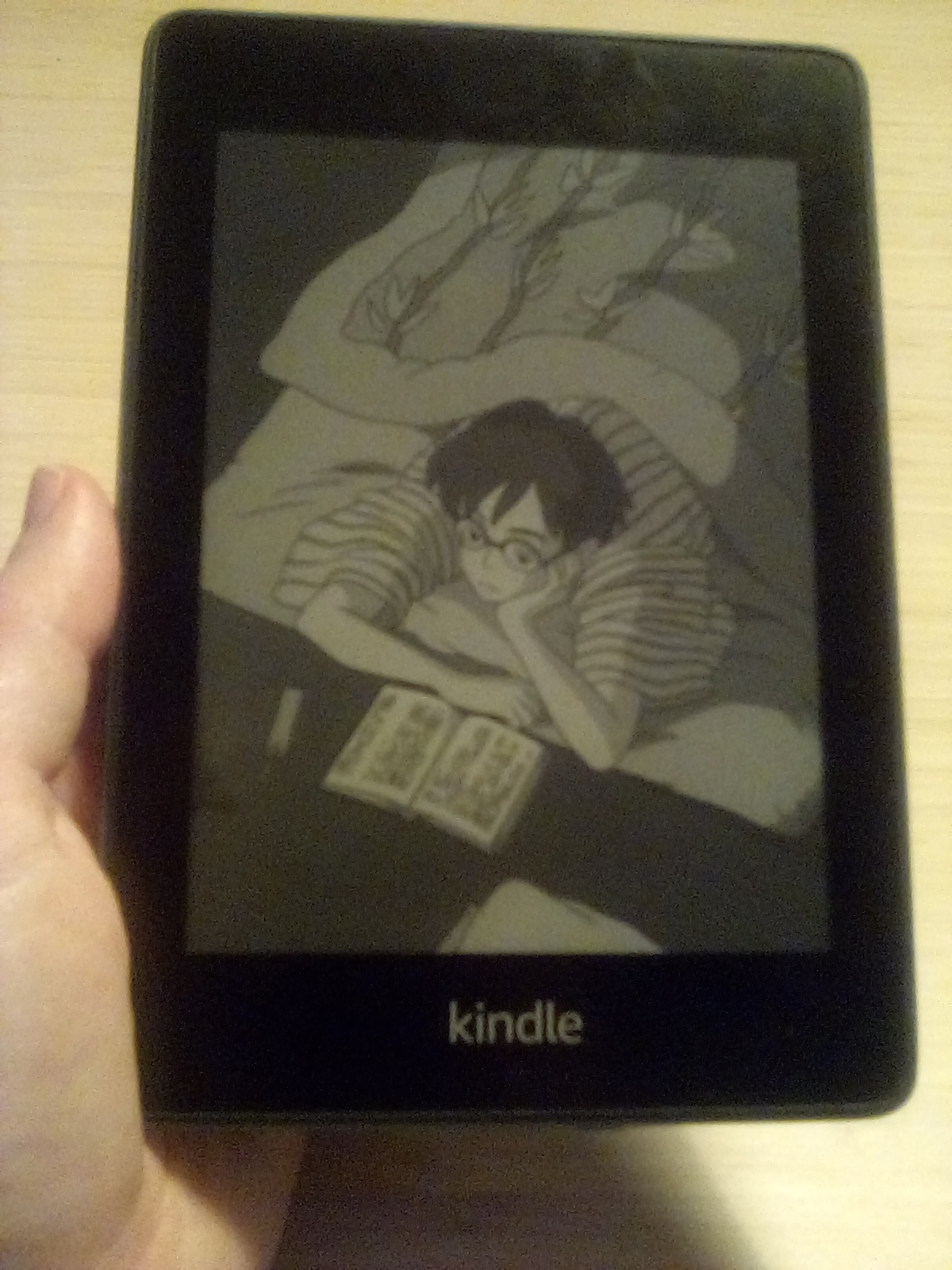
I’ve included RSS and custom screensavers here as well because even though these are great features on their own they actually come bundled into KOreader. That being said the screensavers only are active when using KOreader, but KOreader is what I use my jailbroken kindle for 90% of the time anyway, so it works out. I’ve included some pictures of my custom screensavers. I think the the e-ink, all black and white display makes them look really nice. The way they look and the feeling of e-ink screens especially with some nice art looks and feels very satisfying. I made about 40 of these different screensavers and set them up to fit the screensize perfectly. Some have transparent elements as well. If you’d like access, I can share the folder with you. Just email me.
As far as RSS goes, I just discovered this feature today, and I am beyond stoked. I am a HUGE fan of RSS. Now that I’ve gone dumb, RSS feels especially valuable. It allows me to keep up with friends, see what’s going on with the world, and helps me feel less alone. I hope more people ditch their social media and start blogs with RSS feeds instead.
Kwordle
Developers have created a small handful of other fun uses for the kindle. Kindle’s own version of wordle with infinite words for the day is one of them. So far I’ve pulled out my kindle several times on the train or bus to play a game of wordle on my kindle.
Gambatte and Gargoyle
Gambatte and Gargoyle are two game emulators that allow for infinite possibilities when it comes to the kindle. Gambatte for one is a gameboy emulator. With the very low framerate you can’t play any games requiring quick reflexes or moves, but you could use it to play slower paced games like turn based RPGs. I personally haven’t used this much yet, but I would really like to. Thanks to GB Studio, a free game engine, people are now developing new games for the gameboy which really allows for infinite possibilities. Developing gameboy games for a gameboy emulator on a kindle is like a roundabout way of easily creating software to run on the system without needing to be an expert programmer. I’d like to make a gameboy game specifically designed to work well with a low frame rate that would run well on a kindle. Maybe something like a puzzle game. Gargoyle is the other game emulator that’s definitely worth mentioning on the kindle. This one allows you to run interactive fiction. I’ve played around with this some so far, and it’s very exciting. Interactive fiction are also known as text adventures. They’re essentially games with no images (usually). They can be basically like choose your own adventures a lot of the time, but much more complicated. Anyway though, having Gargoyle on your jailbroken kindle is just another great way to make use of these clunky, fun little devices. Just be mindful when installing this (and everything else for that matter) what version of kindle you are on (like 5.16 vs 5.15). Several times when troubleshooting new apps I ran into compatability issues due to trying to run the wrong versions of software.
Tags: tech
Have thoughts you'd like to share with me? Email me.